Novakrift Classic v1.2.0
(Shopify Online Store 2.0)
Audience: Shopify Merchants & Frontend Developers
Status: 100% Tested & Verified
Last Verified: October 31, 2026
Frictionless Buying & Basket Value Expansion
Novakrift provides continuous conversion opportunities as shoppers explore product details and navigate across your catalog.
1. Sticky Add-to-Cart Floating Bar
When a customer scrolls past the primary purchase form on desktop or mobile, a discreet conversion bar slides up from the bottom of the screen:
- Displays product thumbnail, title, selected variant, price, and instant Add to Cart button.
- Syncs automatically with the main variant selector to ensure the customer always adds their intended size and color.
Configuration:
1. In Theme Customizer $ ightarrow$ Product template, click Product information.
- Scroll to Sticky Add to Cart Bar settings and check Enable sticky add to cart.
- Choose whether to display variant dropdowns in the floating bar on desktop.
2. PDP Complementary Cross-Sell Block ("Complete The Look")
Curate up to 4 styling pieces (e.g. leather belts, silk neckties, pocket squares, cashmere shawls) directly beneath the product description:
- Features one-click + Quick Add buttons that add items directly to the cart drawer without redirecting the customer away from the main product.
- Automated or Manual Recommendations: Integrates with the official Shopify Search & Discovery app for AI-powered complementary products, or allows manual curation per collection.
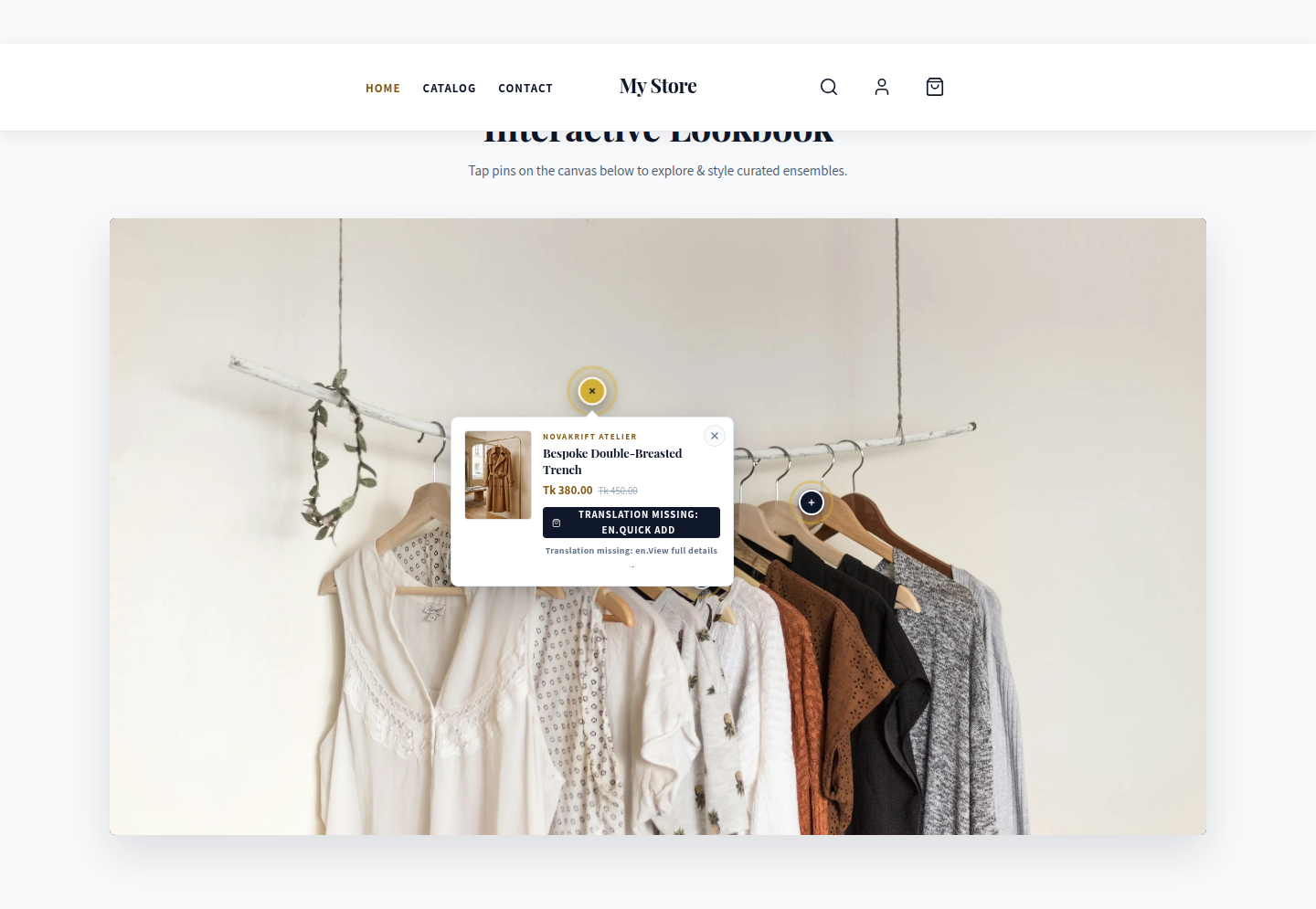
3. Storewide AJAX Quick View Modal
Enables customers browsing collection grids, lookbooks, or search results to inspect a product without full page reloads:
- Features full media gallery carousel, live variant buttons, stock indicator, quantity selector, and direct checkout.
- Accessible via keyboard (
Escto close) and fully touch-friendly on mobile.