Novakrift Classic v1.2.0
(Shopify Online Store 2.0)
Audience: Shopify Merchants & Frontend Developers
Status: 100% Tested & Verified
Last Verified: October 31, 2026
Gated Pre-Launch & VIP Drop Experience
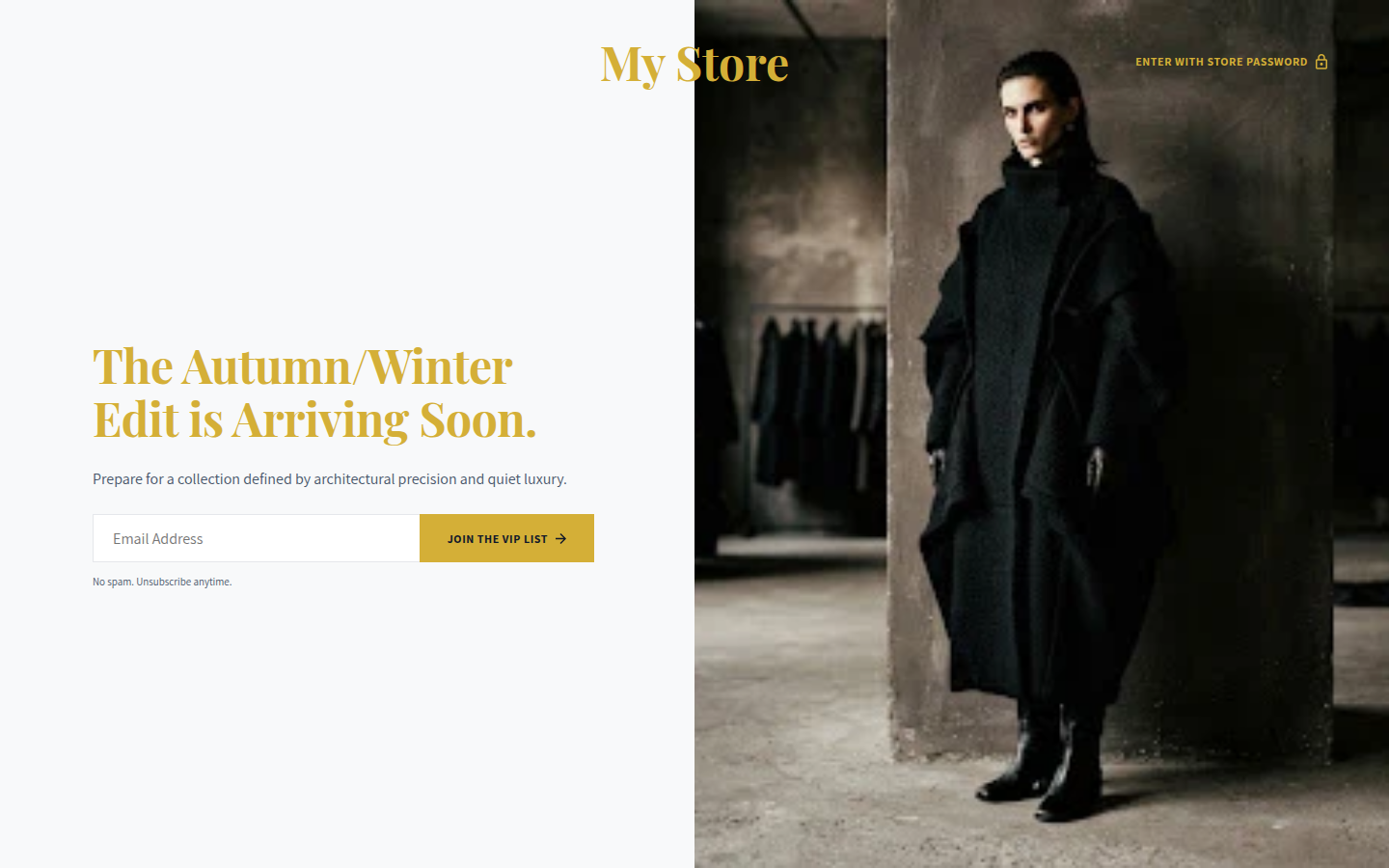
When preparing for a seasonal collection unveiling or exclusive runway drop, public launch without anticipation is a missed opportunity. Novakrift includes a built-in editorial 50/50 Split Coming Soon / Password Page (sections/main-password-content.liquid).
Key Features
- Live Animated Countdown Timer: Configurable drop timestamp displaying live Days, Hours, Minutes, and Seconds.
- VIP Waitlist Form: Captures subscriber emails directly into Shopify Customers and automatically attaches customer tags (
prospect, password_page). - Storefront Access Modal: Discreet lock icon opening an elegant password modal for wholesale buyers, private clients, and atelier staff.
- Development Notice Banner: Prominently alerts testers and developers with direct links to Shopify documentation.
Step-by-Step Setup Guide
- In your Shopify Admin, navigate to Online Store → Preferences.
- Scroll to Password protection and check Restrict access to visitors with password.
- Enter your private store password and an optional message.
- Click Save.
- Now open Online Store → Themes → Customize.
- In the top page template dropdown, select Others → Password.
- In the left panel, click Password content:
- Upload your Campaign Cover Image (
1400 x 1800 px, 3:4 portrait). - Enter your Headline (e.g. The Autumn/Winter 2026 Collection Drops Soon).
- Target Launch Timestamp: Enter your launch date formatted strictly as
YYYY-MM-DD HH:MM:SS(e.g.,2026-11-15 18:00:00). - Customize your VIP signup button copy (e.g., Request VIP Access).
- Save and test the live countdown.